

Omise AI
AI-powered efficiency
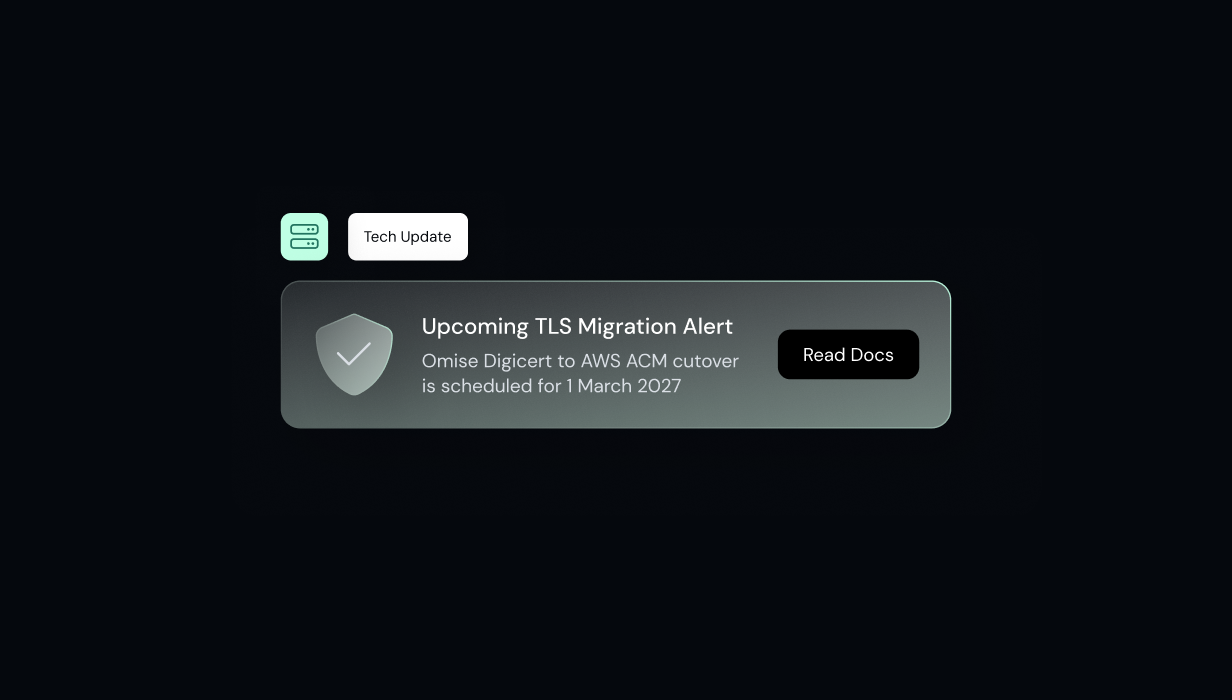
At Omise, we are constantly working to optimize our infrastructure's security, reliability, and speed. As part of our ongoing infrastructure maintenance, we will be migrating our server SSL/TLS certificates from DigiCert to AWS Certificate Manager (ACM) on 1 March 2027.
For most customers, no configuration changes will be required. However, customers using certificate pinning, custom trust stores, legacy environments, or TLS inspection controls should review their systems and verify compatibility before the migration.
Here's how to validate your environment and identify any changes that may be required.
If your users access our services via standard web browsers or mobile apps, no action is typically required, provided your operating systems meet or exceed the baselines below:
Quick Reference: If your machine or browser has received a software update at any point since 2015, it inherently trusts the new AWS certificates.
If you operate a backend server that interacts with our APIs, you can check your server's root certificate store directly. Log into your server environment and run a connection check against our designated test endpoint:
Using cURL:
Bash
curl -I https://api-test.omise.co/
What to look for: If the command successfully returns an HTTP status code (such as 200 or 401), your server's environment is fully prepared.
Using OpenSSL
Bash
openssl s_client -connect api-test.omise.co:443 -verify_return_error
What to look for: Look for Verify return code: 0 (ok) to confirm that your system trusts the certificate and can connect successfully.
If your platform integrates with us via code, your developers can verify compatibility by running a simple test script in any programming language against our test environment.
Python Example:
Python
import requests
try:
    response = requests.get('https://api-test.omise.co/')
    print("Verification Successful! Status code:", response.status_code)
except requests.exceptions.SSLError as e:
    print("Verification Failed (SSL Error):", e)
Node.js Example:
JavaScript
const https = require('https');
https.get('https://api-test.omise.co/', (res) => {
    console.log('Verification Successful! Status code:', res.statusCode);
}).on('error', (e) => {
    console.error('Verification Failed (SSL Error):', e.message);
});
Java Example:
While Java versions 7u75+, 8u25+, and all iterations of Java 9+ typically include native support for AWS ACM, specific applications may rely on unique, isolated certificate trust stores (cacerts). To confirm that your specific JVM environment recognizes the new endpoint, we recommend executing a brief code snippet as a verification step.
import java.io.IOException;
import java.net.HttpURLConnection;
import java.net.URL;

public class CertificateTest {
    public static void main(String[] args) {
        String testUrl = "https://api-test.omise.co/";

        try {
            URL url = new URL(testUrl);
            HttpURLConnection connection = (HttpURLConnection) url.openConnection();
            connection.setRequestMethod("GET");

            // Trigger the SSL handshake by getting the response code
            int responseCode = connection.getResponseCode();
            System.out.println("Verification Successful! HTTP Status Code: " + responseCode);

        } catch (javax.net.ssl.SSLHandshakeException e) {
            System.err.println("Verification Failed (SSL Error): Your Java environment does not trust the AWS ACM Root CA.");
            e.printStackTrace();
        } catch (IOException e) {
            System.err.println("Connection Failed (Network Error): " + e.getMessage());
        }
    }
}
PHP Example:
<?php
$ch = curl_init('https://api-test.omise.co/');
curl_setopt($ch, CURLOPT_RETURNTRANSFER, true);
$res = curl_exec($ch);

if ($res === false) {
    echo "cURL Error: " . curl_error($ch);
} else {
    echo $res;
}

curl_close($ch);
In the rare event that a legacy backend server or custom enterprise firewall fails the connection check to https://api-test.omise.co/, it indicates that your system's root store is missing the Amazon Trust Services certificates.
To resolve this, your network administrator will need to download Amazon Root CA 1 from the official Amazon Trust Services Repository and import it into your environment’s local trusted root store.
The cutover to the new AWS ACM certificates is scheduled for 1 March 2027. If you run into any unexpected errors during your validation tests, please contact our engineering support team at support@omise.co for assistance.


